The maximum HDMI refresh rate depends primarily on your HDMI version and resolution. While HDMI 2.1 is the current gold standard, supporting up to 4K@144Hz (or 240Hz with DSC) and 8K@60Hz, older HDMI 2.0 connections are typically capped at 4K@60Hz. To achieve these speeds, every link in your chain—your source device (GPU/Console), your display, and your "Ultra High Speed" certified cable—must support the same standard.

HDMI Refresh Rate Quick Reference Table
| HDMI Version | 1080p (FHD) | 1440p (QHD) | 4K (UHD) | 8K (UHD) |
|---|---|---|---|---|
| HDMI 1.4 | 120Hz* | ≤60Hz (non-standard) | 30Hz | Not supported |
| HDMI 2.0 | 240Hz | 144Hz | 60Hz | Not supported |
| HDMI 2.1 | 240Hz+ (varies) | 240Hz (display required) | 120Hz native / 144–165Hz (DSC) | 60Hz |
* HDMI 1.4: 1080p@144Hz is theoretically possible but extremely rare; 120Hz is the widely supported maximum.
📍 In this guide:
Part 1: Deep Dive - HDMI Version Limits and Capabilities
Higher Bandwidth for High Refresh Rates
To understand refresh rate limits, you have to think of HDMI as a pipe. The "bandwidth" is the size of the pipe—the larger it is, the more data (resolution and refresh rate) can flow through it at once.
1. HDMI 1.4: The Legacy Standard
Released over a decade ago, HDMI 1.4 is still common in older monitors and budget laptops.
- 1080p Performance: It can handle 144Hz, making it acceptable for competitive gaming at lower resolutions.
- The 4K Trap: While it technically supports 4K, it is capped at a sluggish 30Hz. This results in a "choppy" mouse cursor and is not recommended for anything beyond static video playback.
- Best for: Standard office work and 1080p gaming.
2.HDMI 2.0: The Modern Baseline
Also known as "HDMI UHD," this version increased the bandwidth to 18Gbps.
- 4K Gaming: This was the first version to make 4K@60Hz a standard. For the average movie watcher or casual gamer, this is the "sweet spot".
- High Refresh 1440p: It comfortably supports 1440p at 144Hz, which remains the most popular resolution for PC gamers in North America.
- 1080p Limit: It can push up to 240Hz, ideal for eSports titles like Valorant or CS2.
3. HDMI 2.1a: The Future of High-Performance (48Gbps)
This is where the most confusion lies. HDMI 2.1 expanded the pipe significantly to 48Gbps, enabling features that were previously impossible.
- 4K@120Hz&144Hz: The gold standard for PS5 and Xbox Series X. It provides a buttery-smooth experience on modern OLED TVs.
- 8K Readiness: It supports 8K@60Hz, though content remains limited.
- The DSC Advantage: By using Display Stream Compression (DSC), HDMI 2.1 can reach staggering heights, such as 4K@240Hz. This is crucial for ultra-enthusiast gaming monitors launched in 2024-2026.
Part 2: Beyond the Version - Hidden Factors Limiting Your Refresh Rate
Sometimes, having an HDMI 2.1 port isn't enough. If you are stuck at 60Hz on a high-end monitor, one of these "hidden bottlenecks" is likely the culprit.
1. Cable Certification Matters (The "Fake" 2.1 Problem)
Not all cables are created equal. For high refresh rates, the physical cable must handle the data load.
The Fix: Look for the "Ultra High Speed" QR code on the packaging. Many generic cables labeled "8K" in North American marketplaces (like Amazon) are actually older 18Gbps cables that fail to hit 4K@120Hz reliably.
2. Chroma Subsampling (Color Compression)
To save bandwidth, HDMI often compresses color data.
4:4:4 vs. 4:2:2: If you want uncompressed, crisp text for office work at 4K@120Hz, you need more bandwidth. If the bandwidth is maxed out, your PC might automatically drop the refresh rate to maintain color depth.
3. The "Weakest Link" Rule
Your setup is only as fast as its slowest component. To achieve 4K@144Hz, all three must align:
- The Source: Your GPU (e.g., RTX 40-series) or Console.
- The Cable: Must be Ultra High Speed (48Gbps).
- The Display: The specific HDMI port on your monitor (Caution: some 4K monitors only have HDMI 2.1 on one of their three ports).
4. Integrated Graphics vs. Dedicated GPUs
Many North American users work on laptops connected to external screens. If you are using a USB-C to HDMI adapter, the limitation often lies in the laptop's internal wiring or the adapter’s chip, not the HDMI cable itself.
Part 3: Buying & Setup Guide - Optimized Refresh Rates for Your Devices
In the North American market, your HDMI requirements vary wildly depending on whether you are a competitive gamer, a creative professional, or a home theater enthusiast. Here is how to optimize your setup for 2026.
1. For Console Gamers (PS5, Xbox Series X/S)
To unlock the full potential of your "Next-Gen" (now current-gen) console, the TV is usually the bottleneck, not the console itself.
Target: 4K @ 120Hz.
Expert Tip: Ensure your TV supports HDMI 2.1 and look for the ALLM (Auto Low Latency Mode) and VRR (Variable Refresh Rate) stickers. In North America, brands like LG (C-Series OLED) and Sony (Bravia XR) are the gold standard for this integration.
Cable: Use the original cable included in the box; it is a certified 48Gbps cable.
2. For PC Gamers & eSports (RTX 40/50 Series)
HDMI vs. DisplayPort: While DisplayPort 2.1 is excellent, HDMI 2.1 is now more common for connecting PCs to large-format OLED gaming displays.
Windows Settings: Don't forget to go to Settings > System > Display > Advanced Display to manually toggle the refresh rate. Many users stay stuck at 60Hz simply because they didn't change this Windows default.
3. For MacBook & Creative Professionals
Mac users often face the most frustration with HDMI refresh rates due to hardware limitations.
M2/M3/M4 Pro & Max: These models support HDMI 2.1 natively, allowing for 8K@60Hz or 4K@240Hz.
Base Model MacBooks: Older or base-tier Air models often cap HDMI output at 4K@60Hz via adapters. If you need higher, consider a Thunderbolt to DisplayPort 2.1 cable instead of HDMI.
FAQs: Troubleshooting HDMI Refresh Rate Issues
Even with the right hardware, things can go wrong. Here are the most common questions from our North American tech community:
Q1. Why is my 4K monitor capped at 30Hz or 60Hz?
This is usually due to an outdated HDMI 1.4 cable or port. If you are using a USB-C hub, the hub itself might not support the higher HDMI 2.0/2.1 bandwidth. Ensure all components are rated for at least 18Gbps (for 60Hz) or 48Gbps (for 120Hz+).
Q2. Does HDMI support 144Hz?
Yes. HDMI 1.4 can support 144Hz at 1080p, while HDMI 2.0 and 2.1 can support it at 1440p and 4K, respectively. However, both your monitor and GPU must support these versions for it to work.
Q3. Do I need a special cable for a 240Hz refresh rate?
Yes. For 1080p@240Hz, a standard High-Speed (HDMI 2.0) cable is sufficient. However, for 4K@240Hz, you must use an Ultra High Speed HDMI (2.1) cable and ensure your hardware supports Display Stream Compression (DSC).
Q4. Is DisplayPort better than HDMI for high refresh rates?
Historically, yes. But with HDMI 2.1, the gap has closed. While DisplayPort 2.1 offers higher raw bandwidth, HDMI 2.1 is now the standard for OLED TVs and gaming consoles, making it more versatile for most North American living room and desk setups.
Conclusion
Refresh rates are no longer just about numbers; they are about the fluidity of your digital experience. In 2026, as 4K@144Hz becomes the new standard for both work and play, investing in a high-quality certified HDMI 2.1 cable is the simplest way to "future-proof" your desk.
Before you buy, remember the Golden Rule of Connectivity: Check the source, the cable, and the display. If one link is weak, your entire experience is capped.
Pro Tip: Still not seeing the refresh rate you expected? Try a quick power cycle of your monitor or check for the latest GPU driver updates—sometimes the fix is just a click away.
Explore Silkand's High-Quality Certified HDMI Cables >>
RELATED PRODUCTS

Silkland Certified HDMI 2.1 Cable - 1440P Ultra High Speed HDMI Cable 48Gbps
Officially certified HDMI 2.1 with 48Gbps bandwidth supports 4K@120Hz, 8K@60Hz, and 10K—perfect for PS5 and Xbox Series X with VRR and dynamic HDR. Features immersive Dolby Atmos, DTS:X, and eARC audio, plus Silkland’s E-Braid™ technology for flicker-free reliability.
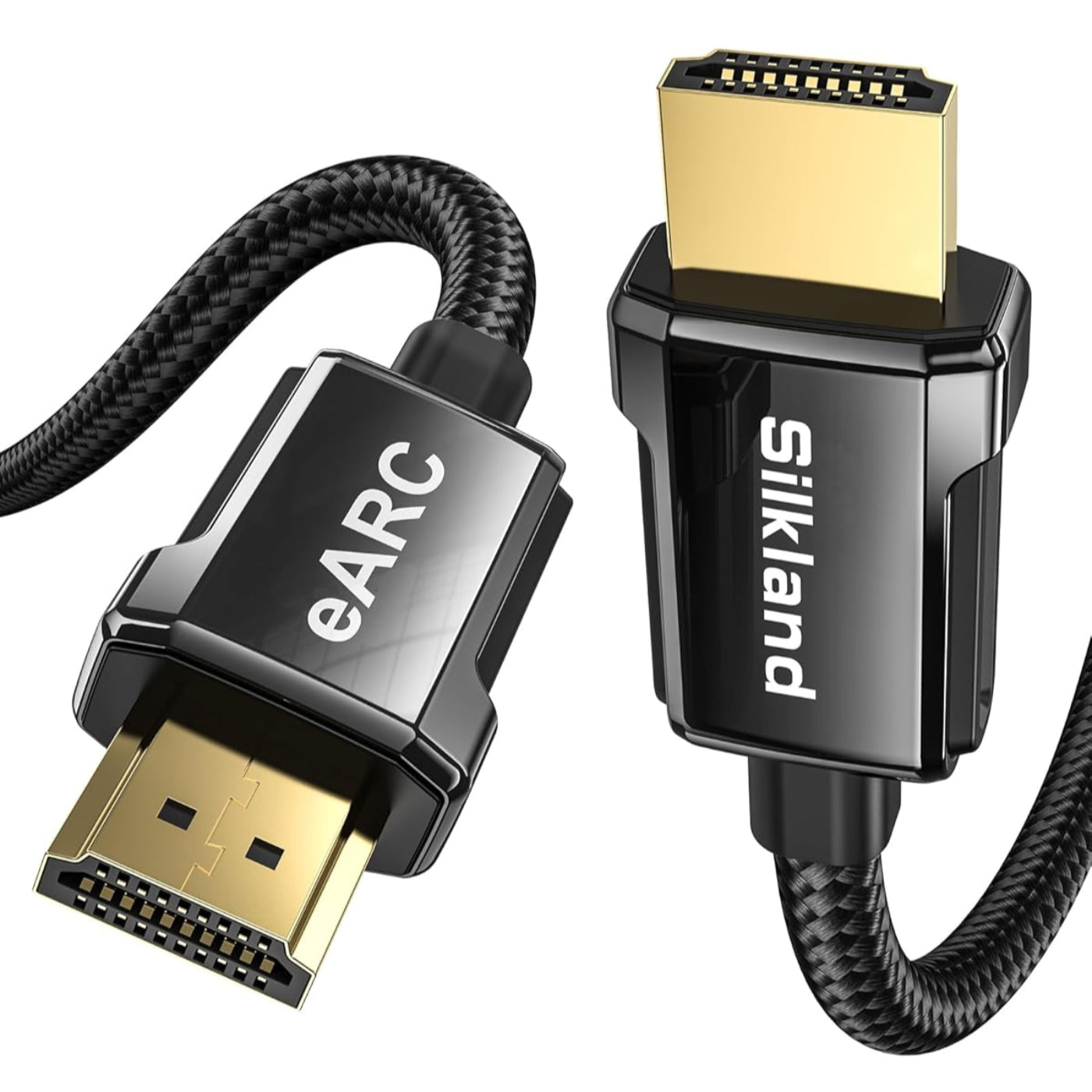
Silkland 8K HDMI ARC/eARC Cable 2.1 for Soundbar
This certified HDMI 2.1 cable supports eARC for immersive Dolby Atmos and DTS:X audio, plus 8K dynamic HDR with 12-bit color for lifelike visuals. With 48Gbps bandwidth, it delivers smooth 4K@120Hz/144Hz gaming for PS5 and Xbox Series X, while the durable design features a 25,000+ bend lifespan, gold-plated connectors, and a 2-year hassle-free warranty.
Share:
Mac Mini OpenClaw Setup: Fast & Simple Guide (2026)
USB Cable for Android Phone: What Actually Matters Before You Buy?