DP80LL is VESA's active DisplayPort cable category for longer UHBR20 connections. It uses built-in linear redriver (LRD) electronics to condition the signal so a compatible system can maintain an 80 Gbps raw DisplayPort link rate over a longer copper run. It does not make a GPU, monitor, dock, or USB-C port support a higher rate than that device already supports.
At VESA's DisplayPort seminar in Shenzhen on October 14, 2026, Silkland took part in technical discussions on DisplayPort 2.1b, cable certification, and active cable design. One practical topic was how an UHBR20-capable PC and monitor can maintain a stable connection when the setup needs more space between them. DP80LL is designed for that longer-cable use case.
For a short, certified run, a passive DP80 cable may be the practical choice. DP80LL becomes relevant when the setup needs more cable length and the target display mode benefits from UHBR20. The exact supported length is determined by the individual certified cable model, not by the DP80LL name alone.

📍 In this guide:
- Part 1: What DP80LL Means?
- Part 2: Why Cable Length Matters at UHBR20?
- Part 3: How a DP80LL Cable Works?
- Part 4: DP80 vs. DP80LL
- Part 5: Do You Need DP80LL for 4K at 240 Hz?
- Part 6: What DP80LL Certification Checks?
- Part 7: How to Verify and Set Up a DP80LL Cable?
- Part 8: Silkland's 3-Meter DP80LL Update
- FAQ
Part 1: What Does DP80LL Mean?
DP80LL is a VESA-defined active cable category associated with the long-cable UHBR20 use case. UHBR20, short for Ultra-High Bit Rate 20, sends data at 20 Gbps per lane. A four-lane DisplayPort connection therefore has an 80 Gbps raw link rate.
Raw link rate is not the same as usable video payload. After DisplayPort encoding overhead, the maximum payload is about 77.37 Gbps. The display mode that actually works also depends on the source, display, cable, connection path, color format, bit depth, HDR, timing, and whether Display Stream Compression (DSC) is supported and enabled.
The practical point is simple: DP80LL is designed to preserve signal quality for a longer high-speed copper connection. It is not a shorthand for every 8K display mode, and it is not a substitute for compatible equipment at both ends.

A VESA seminar slide describes DP80LL as an active LRD cable category intended to extend UHBR20 support to longer cable lengths. Photo supplied by Silkland.
Part 2: Why Cable Length Matters at UHBR20
At higher data rates, a copper cable and its connectors introduce more loss and distortion. As the run becomes longer, the receiver has less signal margin to work with. A connection that cannot maintain the required signal quality may train at a lower rate, expose fewer display modes, drop out intermittently, or fail to establish a stable image. The exact behavior depends on the hardware implementation, so automatic fallback should not be assumed.
That is why cable length is part of the specification decision. A cable that works at a modest resolution and refresh rate is not automatically suitable for an UHBR20 connection at the same length.
Part 3: How Does a DP80LL Cable Work?
DP80LL cables use
An LRD is different from a retimer. A retimer recovers clock and data before transmitting a newly timed signal. A linear redriver instead provides analog signal conditioning with very little processing delay. Neither approach adds capability that the GPU, monitor, dock, or adapter does not implement.
For buyers, the important result is not merely the word active on the package. Check the exact certified model, length, connector arrangement, supported link rate, and compatibility information.
Part 4: DP80 vs. DP80LL: Which One Should You Choose?
Both categories can be intended for UHBR20 operation. The usual decision is distance first, then the certification record for the exact cable.
| Buying consideration | Passive DP80 cable | Active DP80LL cable |
|---|---|---|
| Target link rate | UHBR20 on a compatible four-lane connection | UHBR20 on a compatible four-lane connection |
| Four-lane raw rate | 80 Gbps | 80 Gbps |
| Signal handling | Passive cable construction | Built-in linear redriver signal conditioning |
| Typical reason to choose it | A certified passive length reaches comfortably | The route needs more length while retaining UHBR20 capability |
| What to verify | Exact model, length, and VESA certification record | Exact model, length, connector type, power and compatibility details, and VESA certification record |
Choose a passive DP80 cable when it comfortably reaches and its certification record matches the model you are buying. Consider DP80LL when the installation needs a longer run and your complete system can make use of UHBR20. Do not treat two meters, three meters, or any other shopping example as a fixed boundary between the categories.
Part 5: Do You Need DP80LL for 4K at 240 Hz?
Not necessarily. 4K at 240 Hz alone does not tell you that an 80 Gbps link or a DP80LL cable is required. The answer changes with color depth, RGB or chroma-subsampled output, HDR, display timing, and DSC support.
Many displays can reach a 4K 240 Hz mode through DisplayPort 1.4 with DSC. Other implementations may use a different connection path or impose different settings. Check the monitor's input specification table and the GPU documentation for the desired mode. Then choose the cable for the documented end-to-end requirement and the actual route length.
DP80LL is most relevant when all of the following are true:
- Your source and display support UHBR20.
- The connection uses four DisplayPort lanes end to end.
- The display configuration benefits from the available UHBR20 link capacity.
- A passive certified cable is not long enough for the physical setup.
This also explains an important USB-C limitation. A USB-C connection that allocates only two lanes to DisplayPort cannot carry the full four-lane 80 Gbps DisplayPort link, even if the components use newer version labels.

VESA's seminar material illustrates DP-to-DP and USB-C-to-DP LRD cable types. The USB-C-to-USB-C timeline shown in the presentation is a roadmap item and may change. Photo supplied by Silkland.
Part 6: What Does DP80LL Certification Check?
Certification applies to a specific cable design and its applicable connector configuration. The supplied VESA seminar material describes an LRD cable compliance test specification that covers electrical and functional behavior, including:
- Frequency-domain evaluations: insertion-loss fitting, return loss, and receiver-margin evaluation.
- Time-domain and electrical checks: eye diagrams, common-mode voltage, inrush current, loss-of-signal behavior, and AUX-channel behavior.
- Functional testing: link training at supported rates from RBR through UHBR20, with relevant lane-count, power-management, orientation, and signaling checks.
The same material notes that USB-C-to-DisplayPort LRD cables also need to meet the applicable DisplayPort Alt Mode requirements. A DP-to-DP certification record should therefore not be treated as proof that a USB-C variant has the same behavior.
Part 7: How to Verify and Set Up a DP80LL Cable
Verify a DP80LL Cable
Use the VESA Certified DisplayPort Products database as the starting point:
- Search for the brand, manufacturer, or exact model number.
- Open the individual record, then check the listed length, connectors, description, and any family-model information.
- Match those details to the product listing you intend to buy. A similar name, an “80 Gbps” label, or a matching cable color is not enough.
- Confirm that your GPU and monitor support the needed link rate. Remove or verify any dock, KVM, adapter, or converter in the path.
- For a USB-C setup, confirm the port's DisplayPort Alt Mode capability and lane allocation. USB-C describes a connector shape, not a guaranteed display bandwidth.
Certification is useful evidence that the identified cable model met its applicable requirements. It is not a promise that every GPU, monitor, adapter, or display-mode combination will work at the highest advertised setting.
A practical setup checklist
Before ordering a longer high-bandwidth DisplayPort cable, work through the entire connection:
- Confirm the source output. Find the actual DisplayPort link rate supported by the GPU, laptop, or dock, not only the broad DisplayPort version label.
- Confirm the monitor input. Check which input supports the desired resolution, refresh rate, HDR, color settings, and DSC configuration.
- Measure the route. Include the path behind the desk, through cable management, and the bend allowance at both connectors. Do not choose a length that is only just long enough.
- Minimize intermediate hardware. Test direct before adding a dock, KVM, adapter, extender, or switch.
- Match the cable record. Verify the exact cable model and length in the VESA database rather than relying on a general product family claim.
If the desired mode is missing after installation, start with a direct connection, a known-good shorter cable, and the monitor's documented input settings. Then test the target mode with HDR or other high-bandwidth options temporarily disabled. This helps separate a cable-length issue from a device, configuration, or intermediate-hardware limitation.
Part 8: Silkland's 3-Meter DP80LL Update
Silkland is developing a 3-meter DP80LL cable for users who need more placement flexibility between an UHBR20-capable PC and monitor. The project is intended to complement Silkland's certified DP80 cable options. Final specifications, certification status, model number, availability, and compatibility claims should be published only after validation and the corresponding VESA record are confirmed.
Frequently Asked Questions
1. Does DisplayPort 2.1 always mean 80 Gbps?
No. A DisplayPort version label does not by itself confirm four-lane UHBR20 support. Check the actual link rate of the source, display, and cable. A USB-C path using only two DisplayPort lanes cannot provide the full four-lane 80 Gbps raw link rate.
2. Will a DP80LL cable work with a DisplayPort 1.4 monitor?
A compatible active cable can operate at a lower rate supported by the complete connection. In practice, confirm the cable maker's compatibility information and test the display mode you need. The system will not gain UHBR20 just because the cable is capable of it.
3. Is every 3-meter 80 Gbps DisplayPort cable DP80LL certified?
No. Cable length and an advertised data rate do not establish certification. Check the exact model and length against its VESA database record.
4. Is 3 meters the maximum DP80LL length?
No fixed maximum should be inferred from the category name or an example installation. Choose by the certified length and specifications of the individual cable model.
5. Does an active optical DisplayPort cable automatically support UHBR20?
No. Active optical cable describes an architecture, not a guaranteed link rate. Check the specific cable's supported UHBR rate, length, power requirements, connector directionality, and device compatibility.
Explore Silkand's High-Quality VESA Certified DisplayPort Cables >>
RELATED PRODUCTS
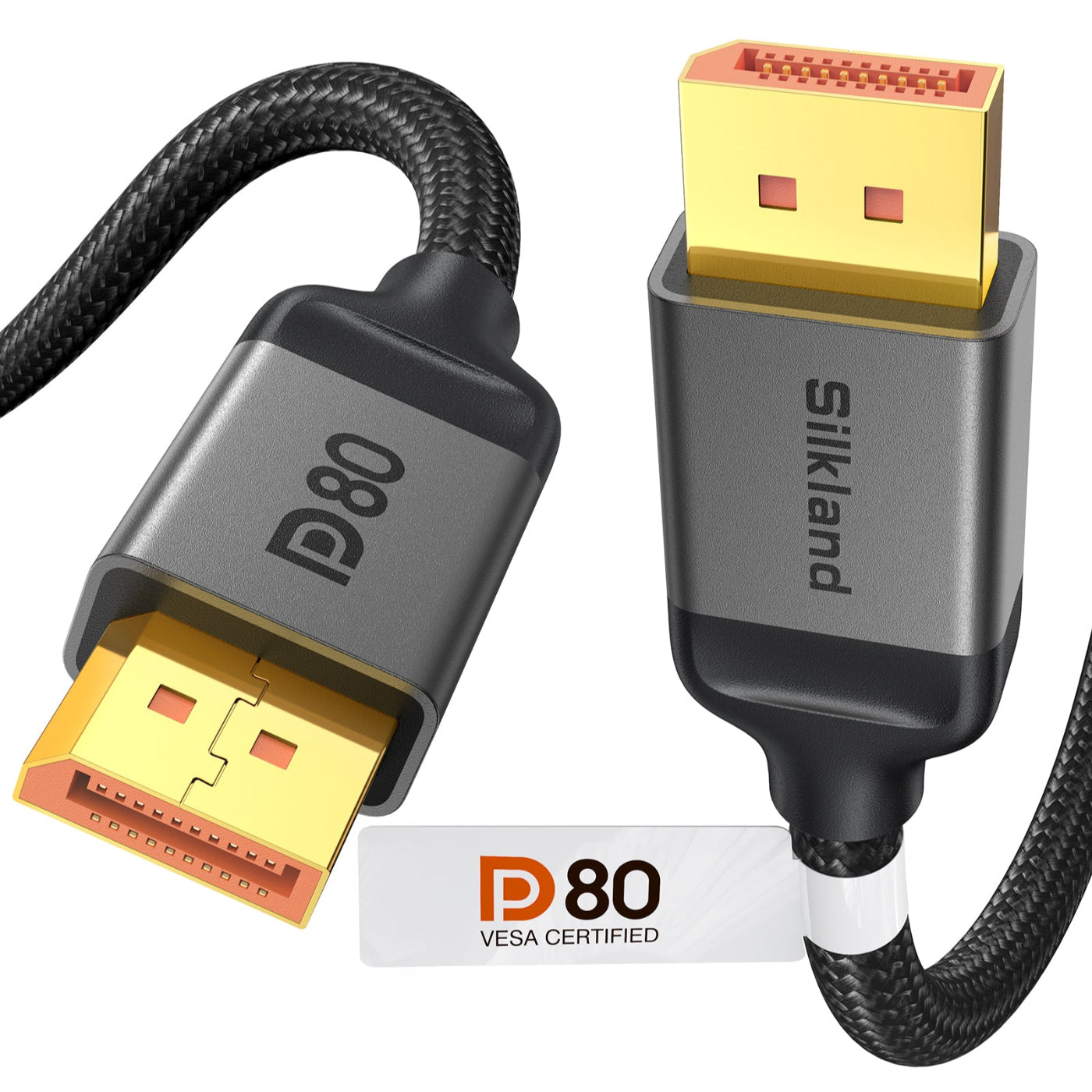
[VESA Certified] DP80 DisplayPort 2.1 Cable for 4K@240Hz Gaming
The first VESA-certified DP80 cable, delivering 80Gbps bandwidth for 4K@240Hz, 8K@60Hz, and up to 16K@60Hz with DSC, and built for high-refresh-rate gaming with UHBR20, DSC 1.2a, VRR, HDR10+, G-Sync, and FreeSync support. It features 28AWG tinned copper conductors, triple-layer shielding, and 24K gold-plated connectors, with plug-and-play compatibility across DP 2.1/2.0/1.4 devices and a 24-month warranty.

[VESA Certified] Displayport 2.1 54Gbps
Delivering 54Gbps of bandwidth, this VESA-certified DP 2.1 cable from Silkland is built to handle uncompressed 8K and, with DSC enabled, refresh rates up to 4K@480Hz. HDR10+, VRR, ALLM, and multi-monitor configurations are all supported. For durability and consistent performance, it combines a secure-latch connector, triple shielding, and a rugged nylon jacket—backed by a 2-year warranty.
Share:
Ultra96 Certification Checklist: How to Verify an HDMI 2.2 Cable